Make the habit visible
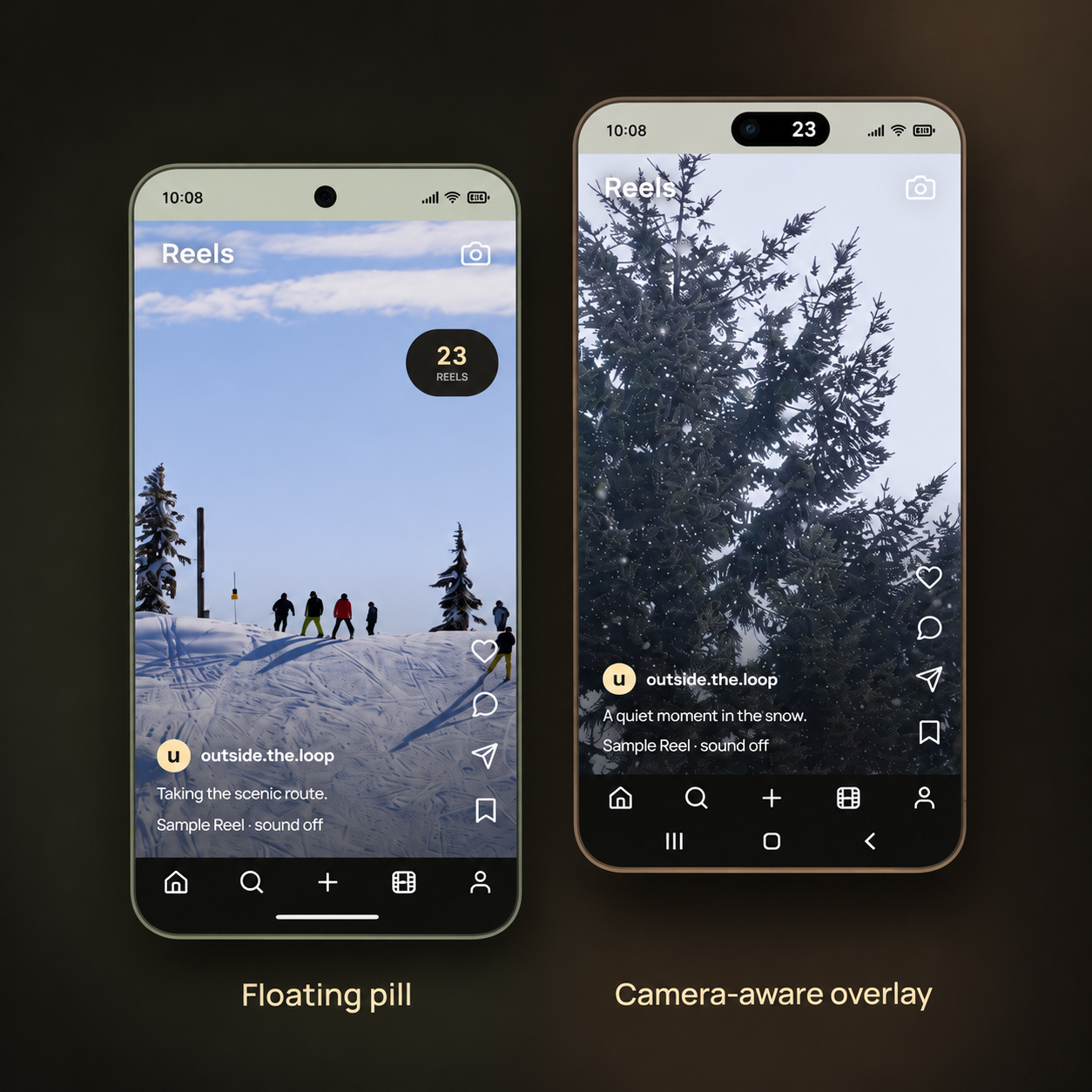
A short break can become an open-ended sequence of Reels. Unloop keeps today’s count visible in the viewer so the next swipe comes with a concrete number. The public preview demonstrates two placements: a compact floating pill that can be moved, and a camera-aware overlay tucked beside the punch-hole camera.
An allowance that belongs to the user
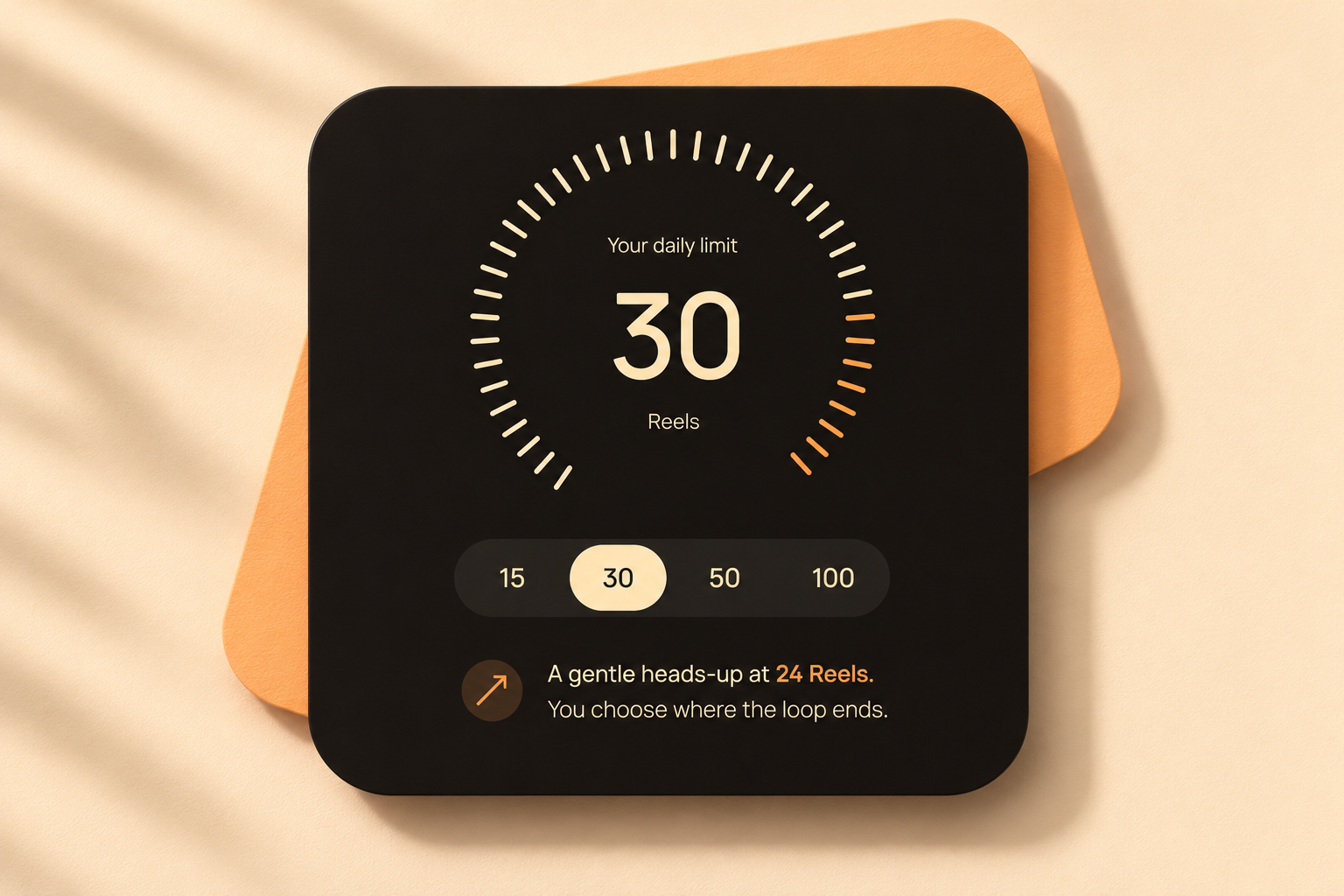
The daily limit can be a preset or a custom allowance. A gentle heads-up arrives at 80%, before the stopping point is reached. The website makes this relationship tangible: choosing 30 Reels places the reminder at 24, while choosing 50 moves it to 40.
A boundary around Reels
Reaching the daily allowance brings up a Reels blocking screen. Instagram messages, profiles, and the feed remain available. Users can pause tracking, change or disable a limit, and revoke the Android permissions, keeping control of how the boundary works.
Clear about access and history
Unloop uses Android Accessibility to recognize the Reels viewer and count videos, with an optional overlay permission for the floating counter. Daily counts, viewing duration, calendar history, and settings are saved on the phone. An account is optional; Google sign-in adds backup and restore. The website explains these distinctions before the download rather than leaving them to an unexpected permission prompt.
Make room for the rest of the day
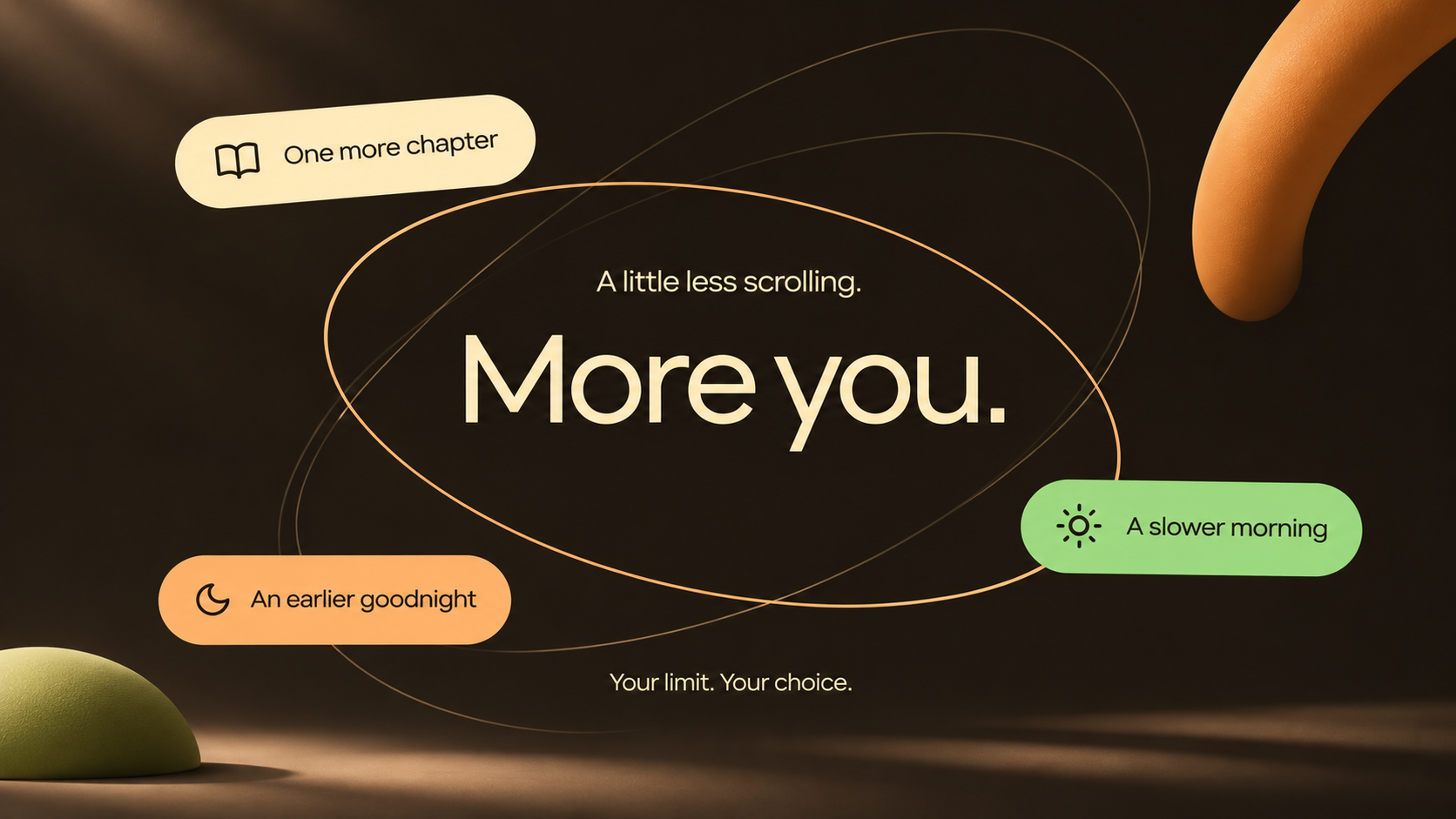
The responsive website pairs a working counter preview with familiar situations: a break between tasks, a study day, evening scrolling, and staying connected. Warm cream typography, an open orange loop, and small green accents give the product a calm voice. The message stays practical: notice the habit, choose the allowance, and leave room for what comes next.